
Changing Profile Picture
-
Changing Your Profile Picture
To Change your profile picture in
Nodebbyou will need to do the following:First
Click on your
avatarat the top right of the screen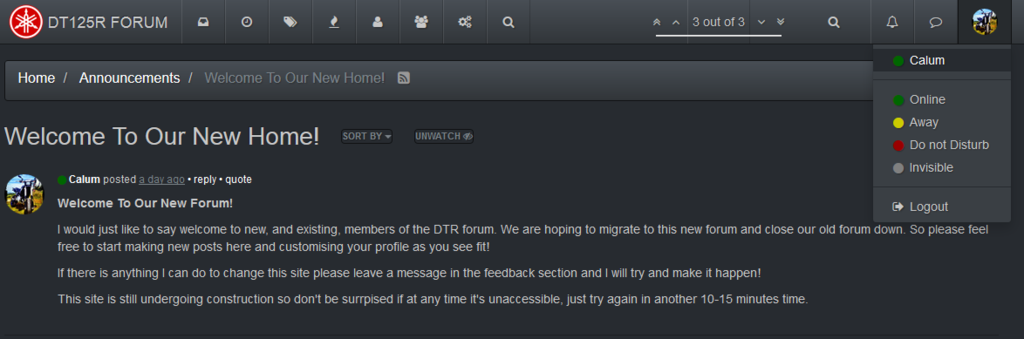
And click on your
username. This will take you to your profile page.Second
Next go to
editunder your profile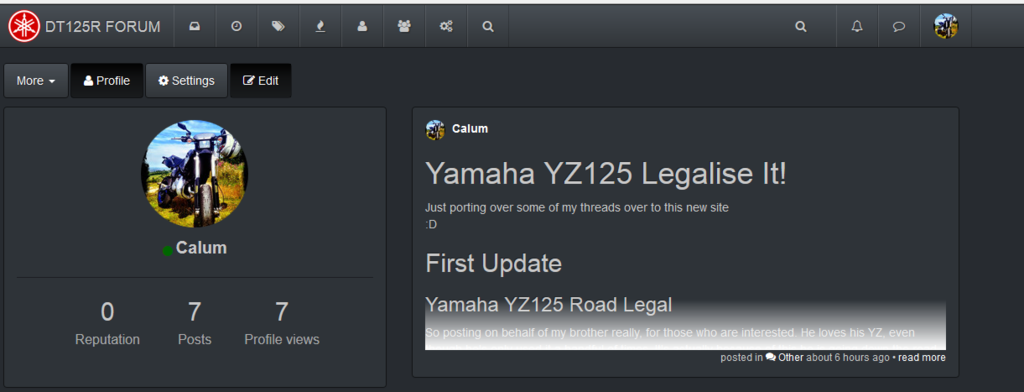
####Third
Here it will allow you to chose a
Gravataror upload a new photo.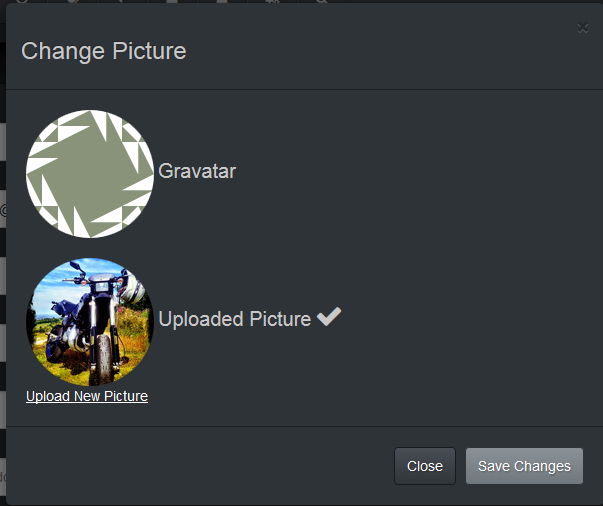
At the moment, due to limitations in space, currently we only have 32 Gbs of hard disk space. I have only allowed to upload photos of size approx 1024Kb. A photo for your avatar should be small anyway.
Click on
Upload New PictureFourth
As usual click
Browseto uplaod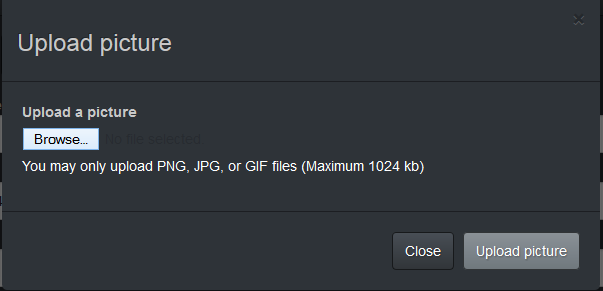
Finally
Here you can navigate your files and chose a file to upload.
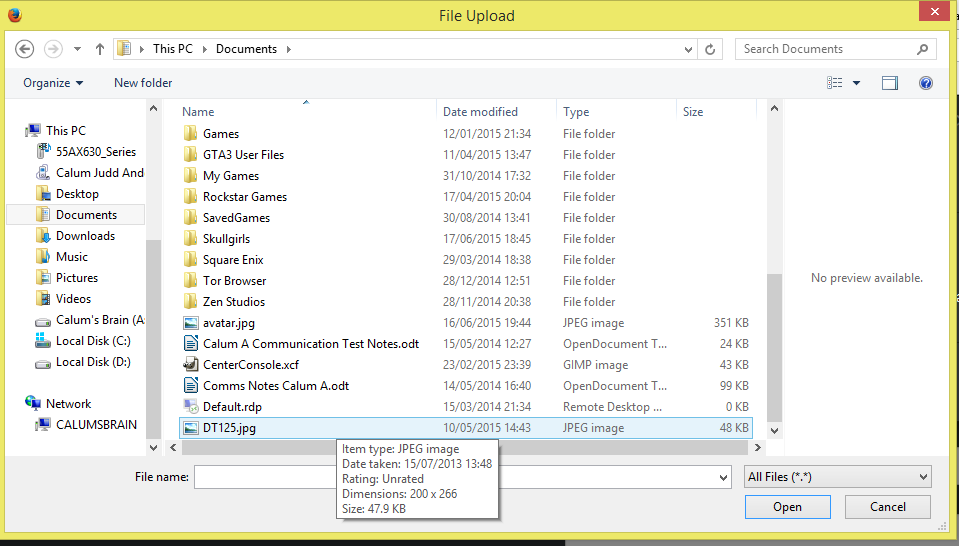
Click Ok and upload and within moments your new image should be uploaded

Hello! It looks like you're interested in this conversation, but you don't have an account yet.
Getting fed up of having to scroll through the same posts each visit? When you register for an account, you'll always come back to exactly where you were before, and choose to be notified of new replies (either via email, or push notification). You'll also be able to save bookmarks and upvote posts to show your appreciation to other community members.
With your input, this post could be even better 💗
Register Login